HealthCheck Assistance

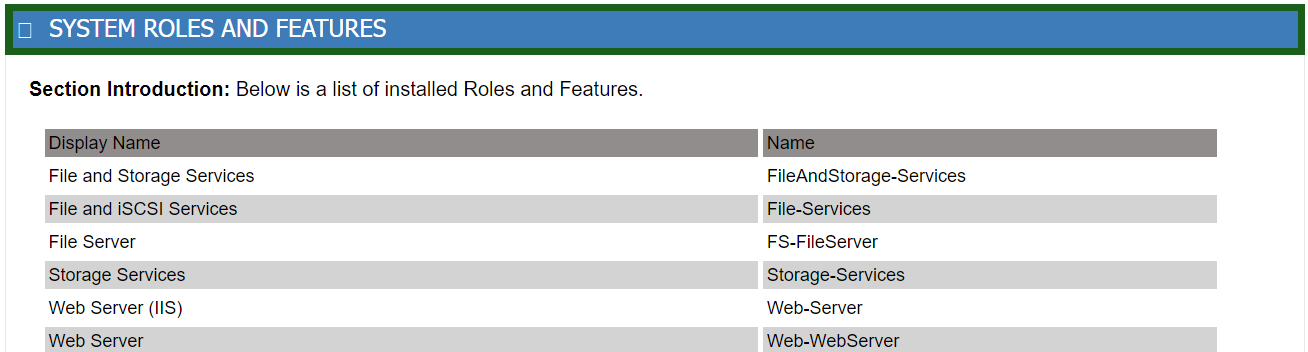
The Health Check is able to interrogate the platform and report a list of Roles and Features installed for reference. This list is for reporting only.
Once enabled, a new sectional header will appear on the
Heartbeat Summary mail, titled "SYSTEM ROLESAND FEATURES". When
expanded, all the installed roles and features.
NOTE: If you have any questions, please contact AP ENPS Support before making changes to the HealthCheck configurations.
To enable this it is set within \hc\hc-static_config.ps1. With the default being:
$global:HC_AP_Mail_Heartbeat_RnF = $false # Enable Roles and Features to be attached to HeartBeat Mail message