HealthCheck Assistance

If the system has critical notifications and writting to the event viewer enabled, then the system can notify the system administrators via a number of channels.
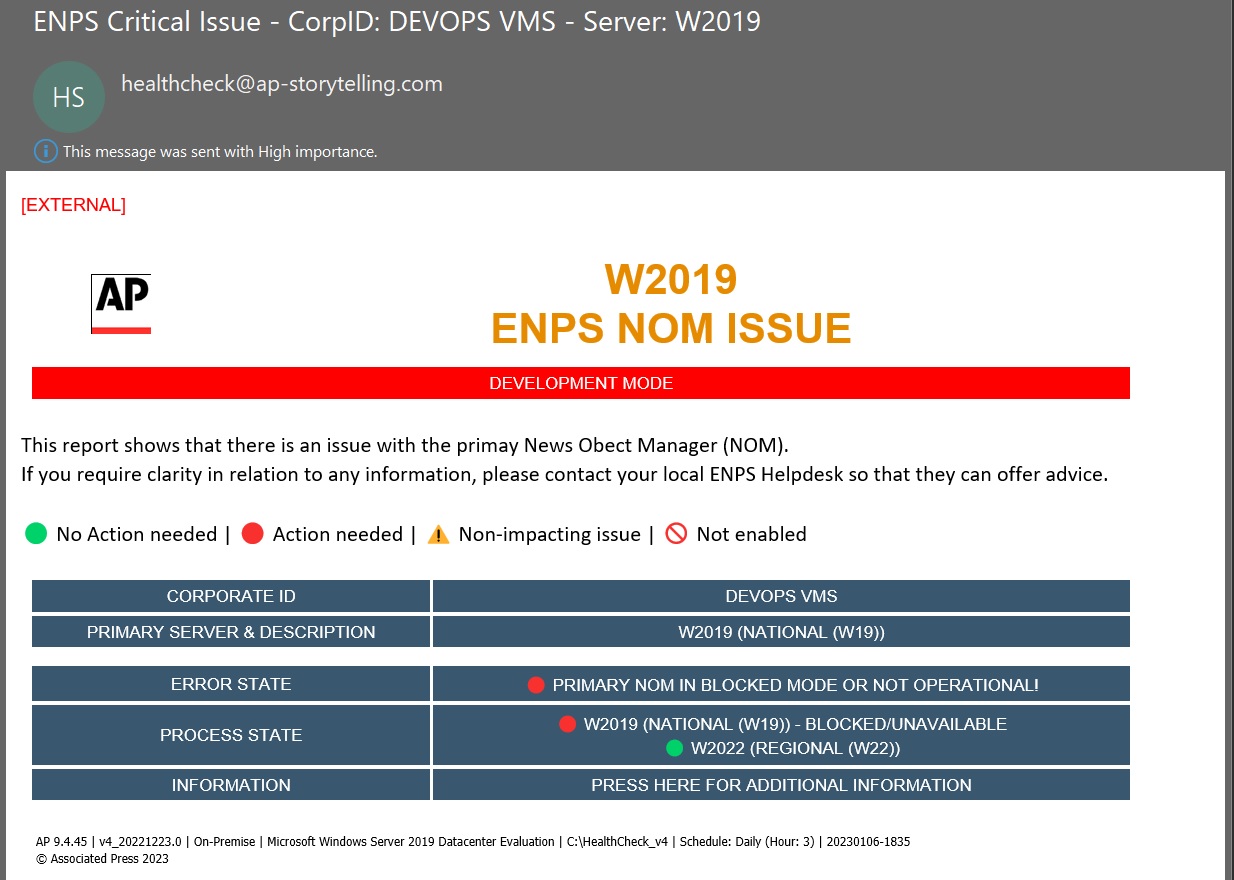
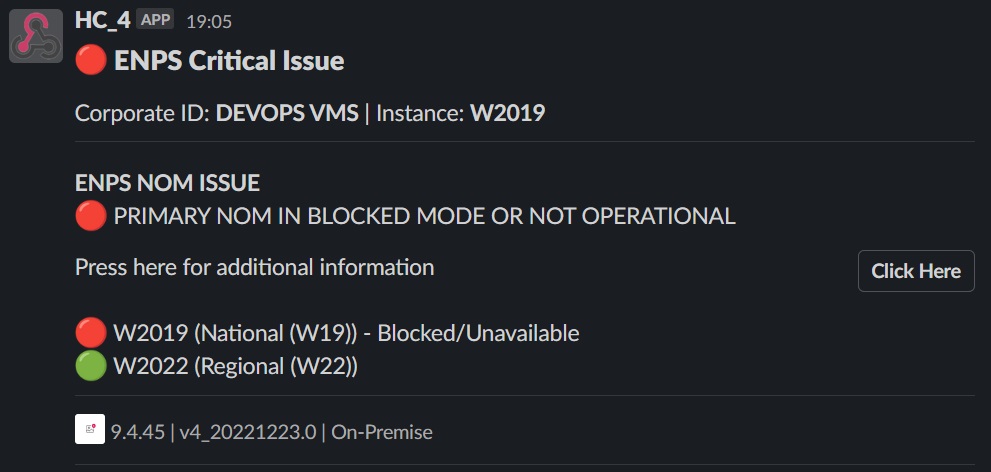
Below are examples of the format of these notifications. On all formats, there is a link which will direct the system administrator to the relevant page on this site to offer assistance or an explanation.
The below example shows a critical message via mail that is highlighting the the NOM on this instance has an issue.
The below example shows a critical message via Slack that is highlighting the the NOM on this instance has an issue.
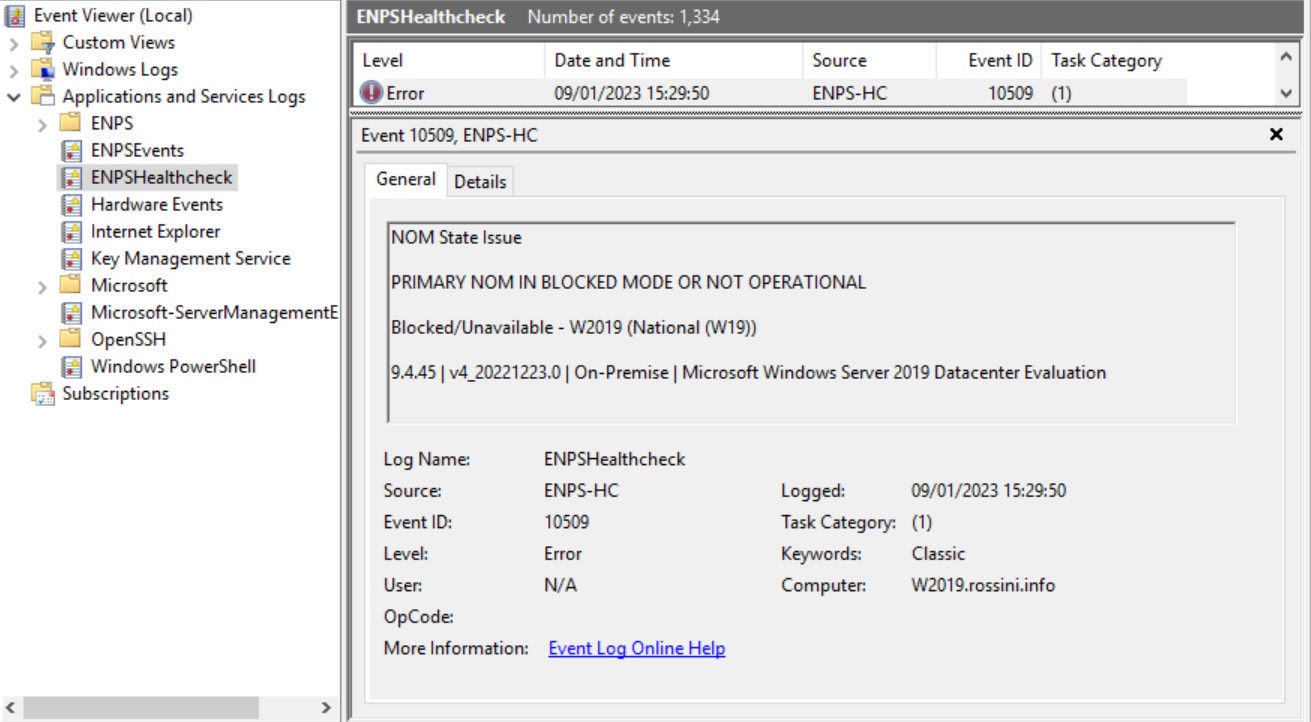
The Health Check looks for a log called ENPSHealthcheck, it is not found, it is created and if enabled, all issues are logged in this log.
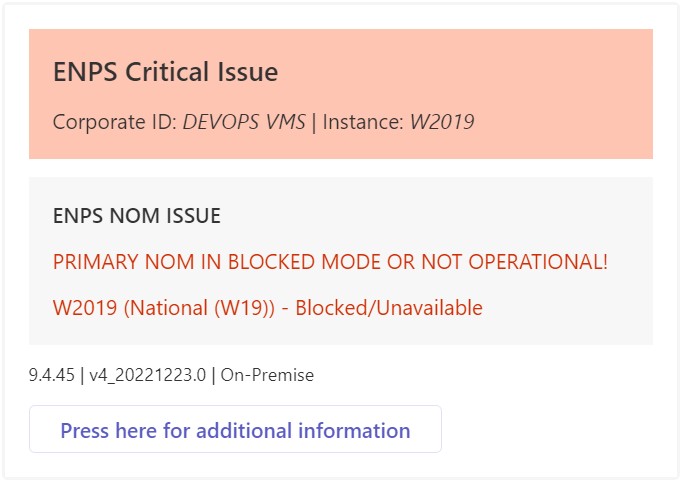
The below example shows a critical message via MS Teams that is highlighting the the NOM on this instance has an issue.
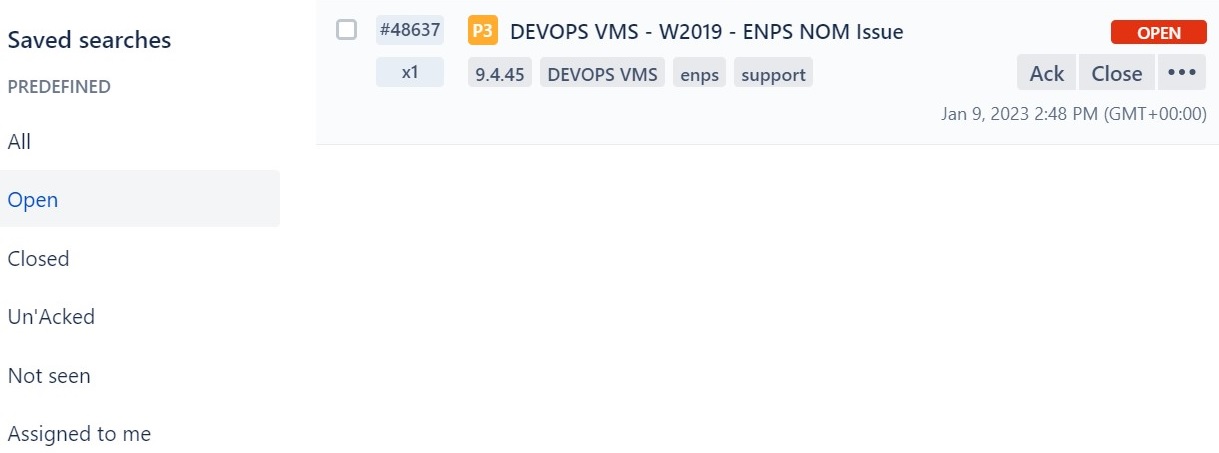
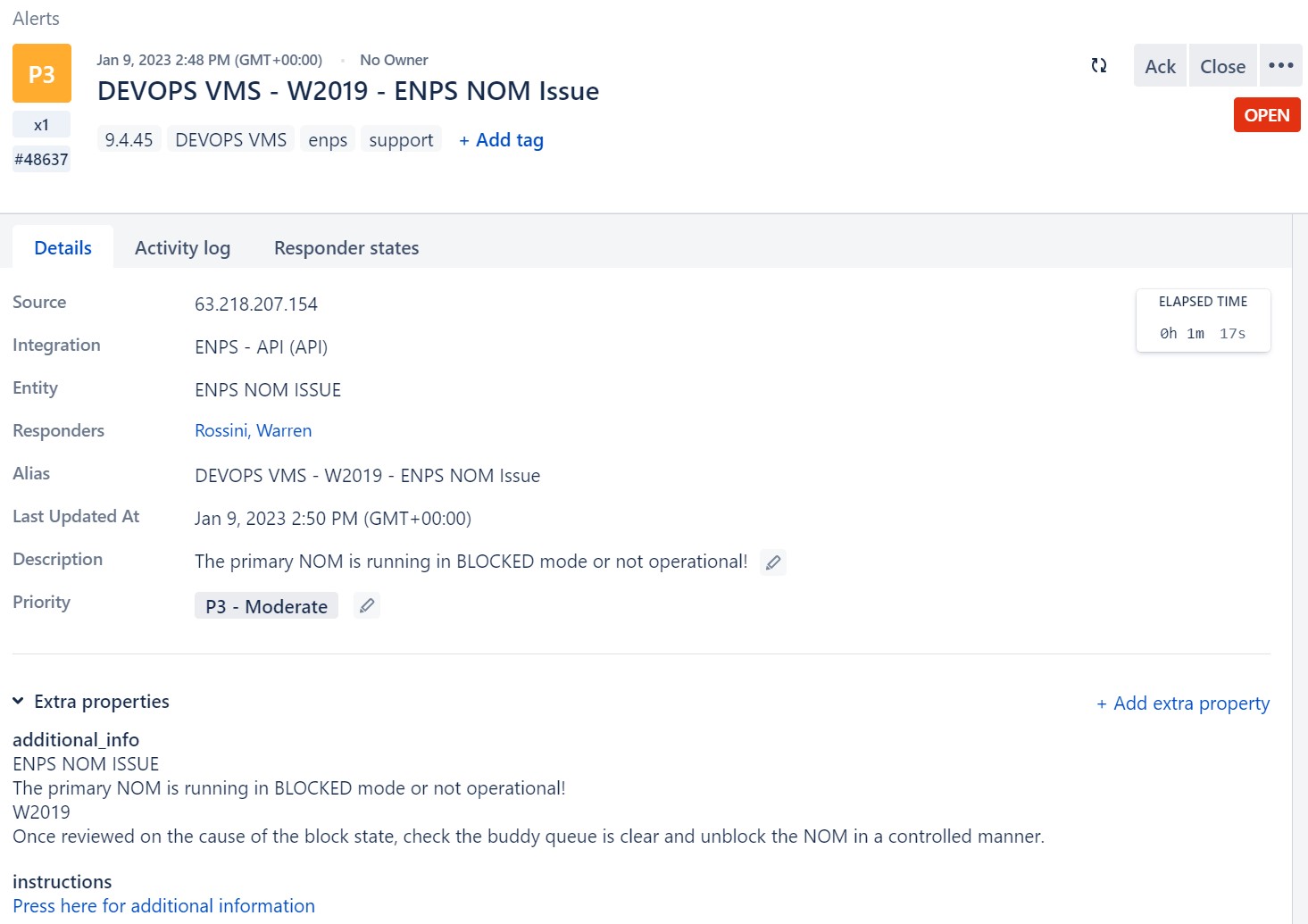
The Health Check can be configured to write to an incident response system, OpsGenie. Only AP staff have access to this for AP systems. If your company uses Opsgenie and wishes to configure the Healthcheck to write to it, contact the ENPS support team.